Note: Go to your RunLoyal staff portal on a Google Chrome browser. All settings-related items must be updated while on a desktop or laptop.
Creating Tags for Pets:
1. Go to Settings.

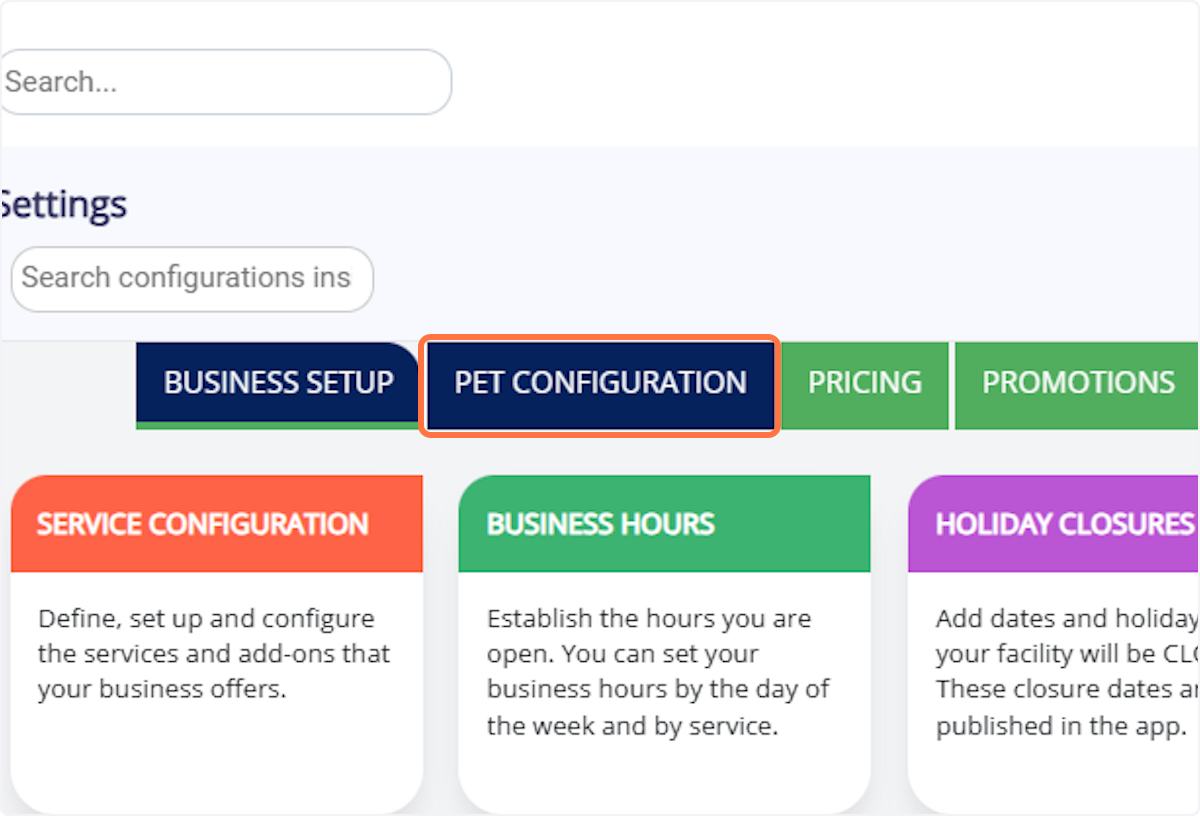
2. Click on Pet Configuration.
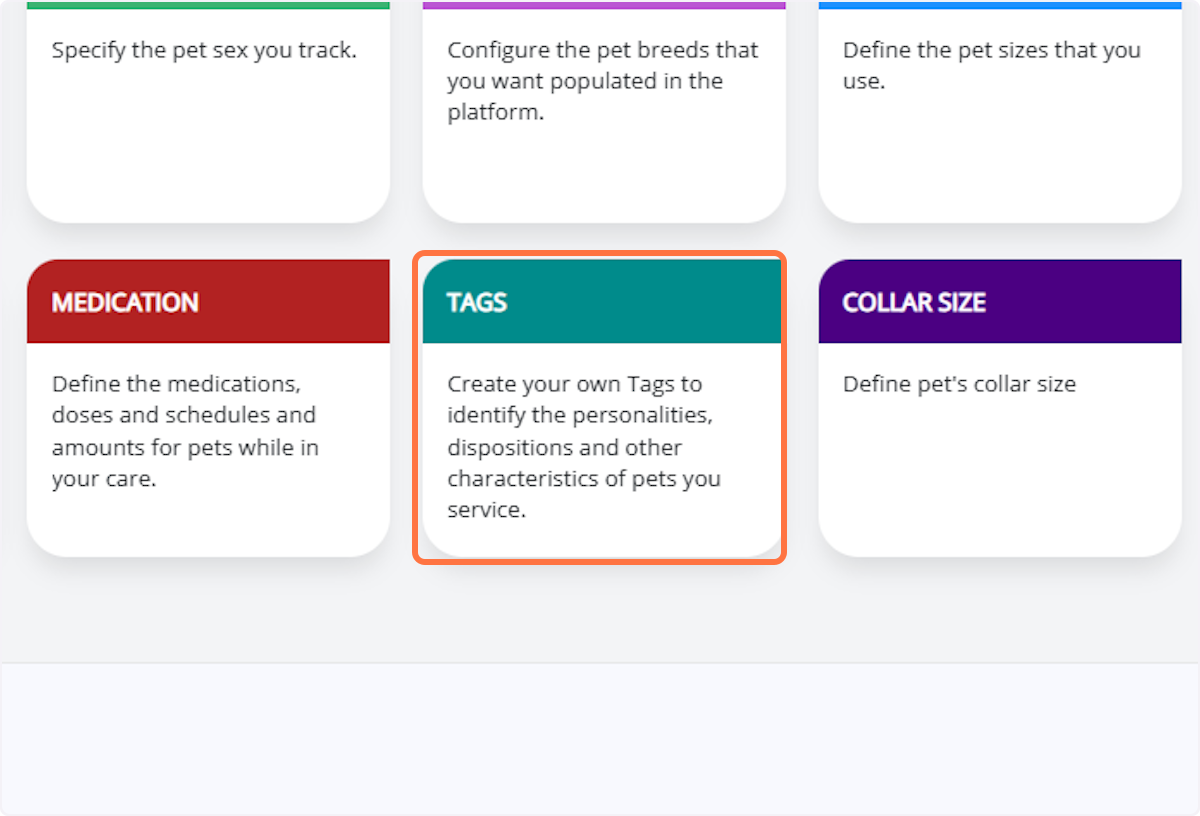
3. Click on Tags.
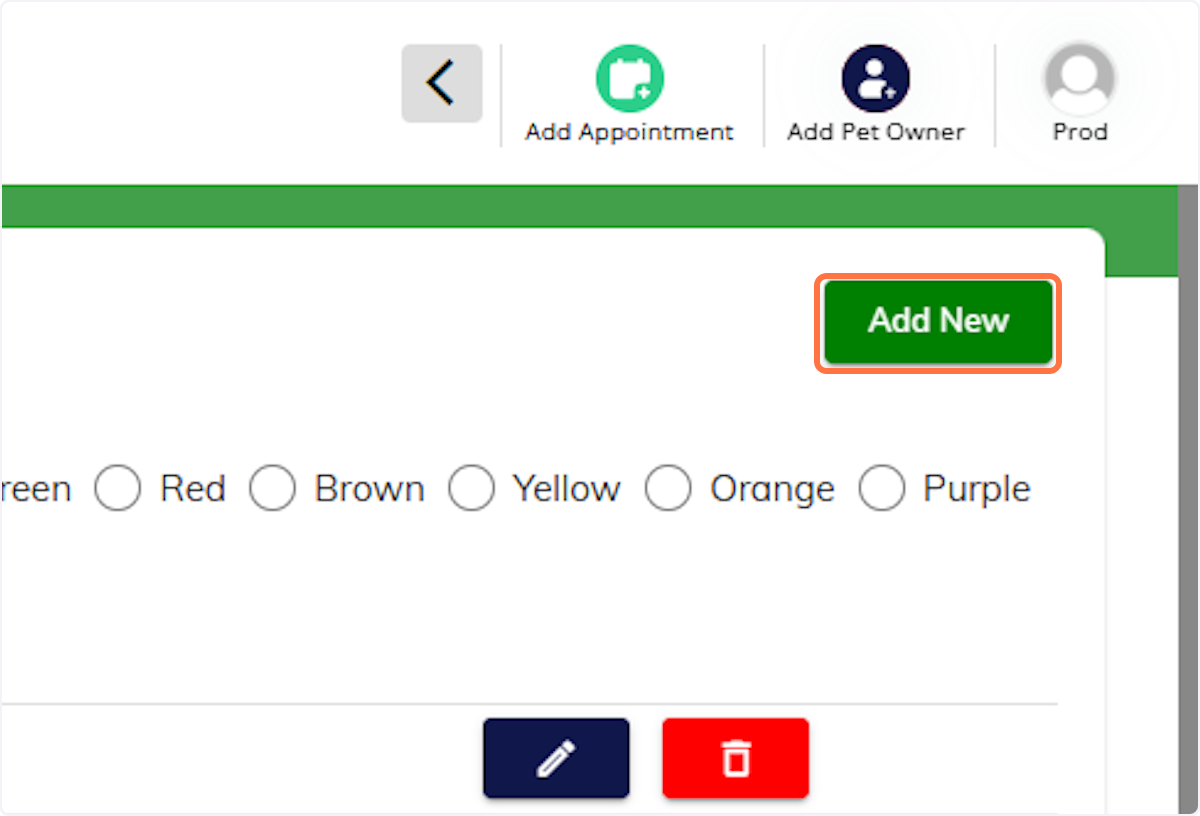
4. Click Add New.
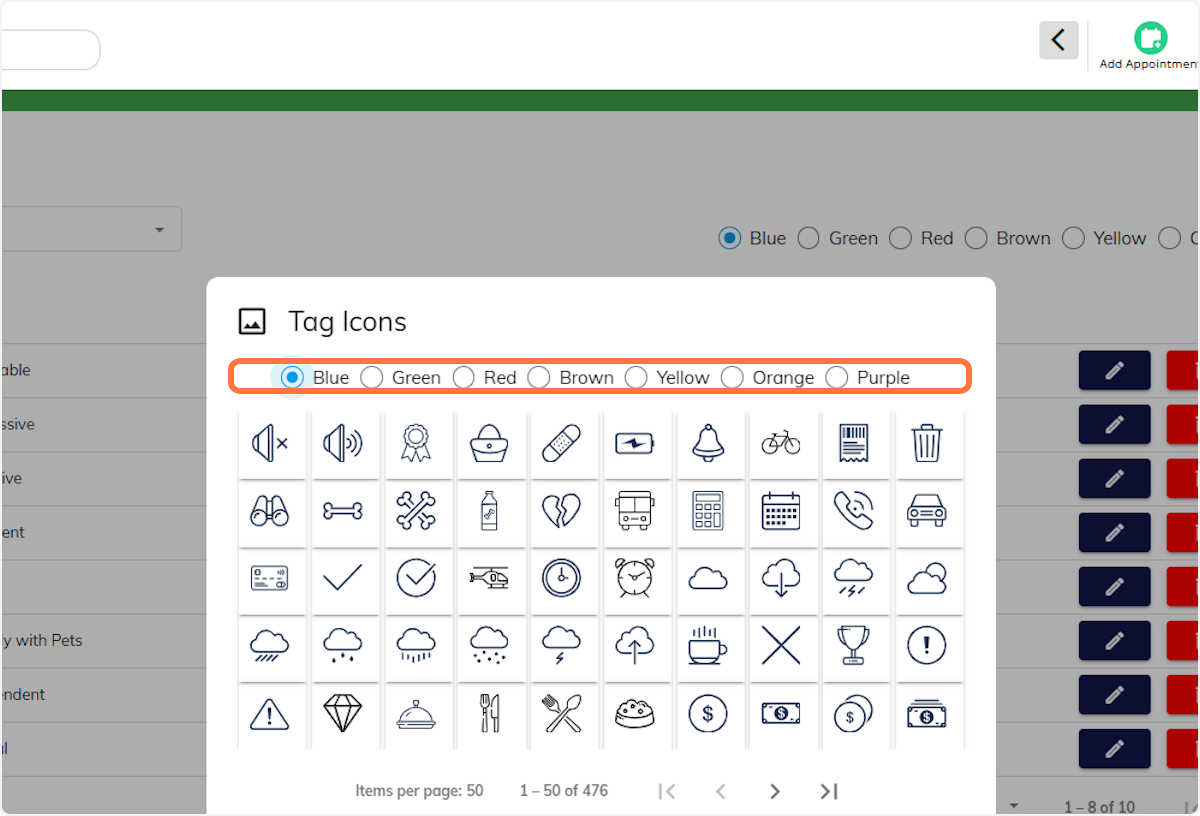
5. Choose a Tag Color.
6. Enter the Tag Name / Description.
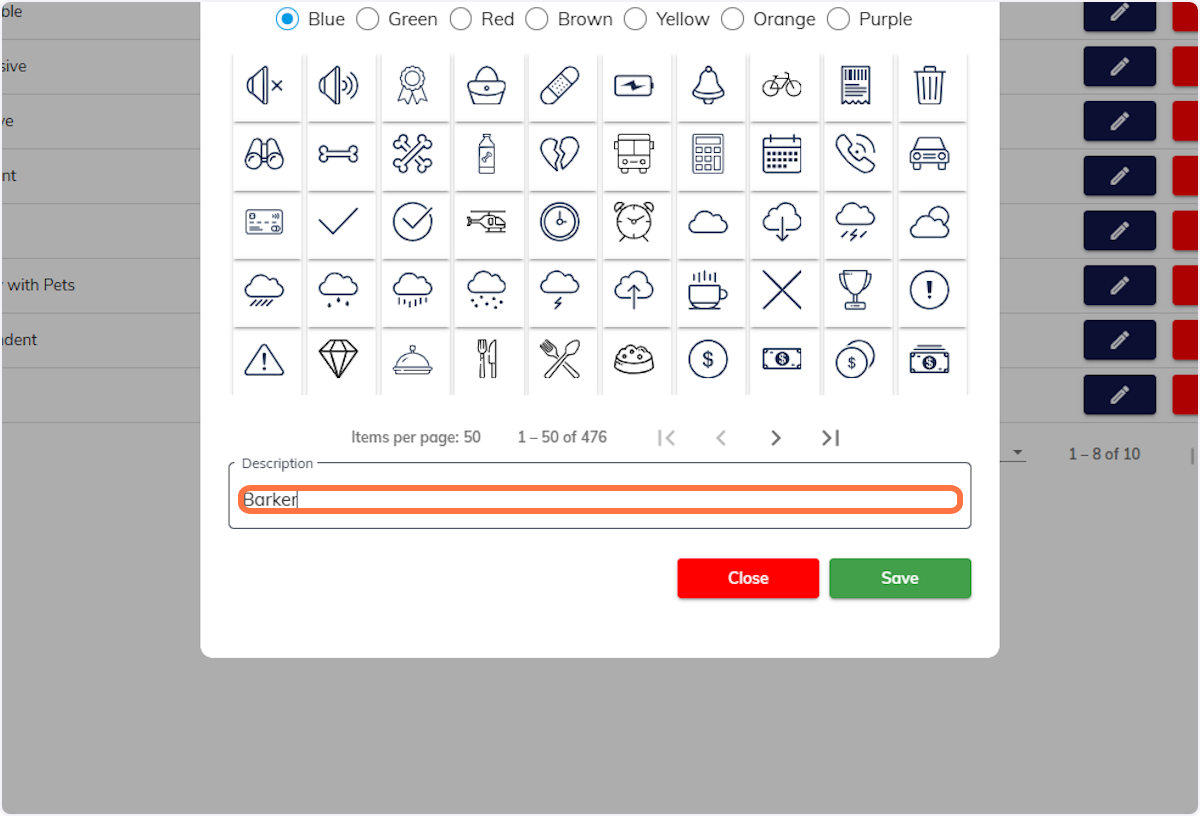
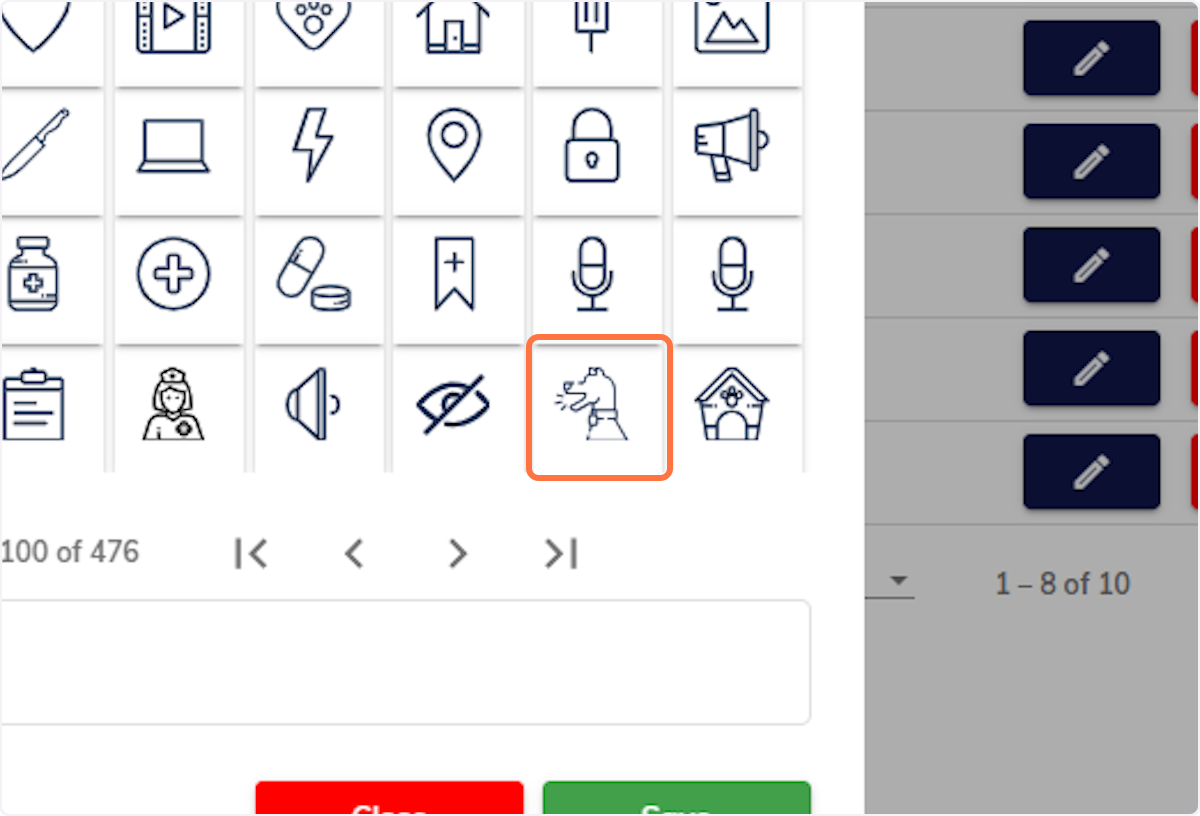
7. Choose the Tag Logo/Icon.
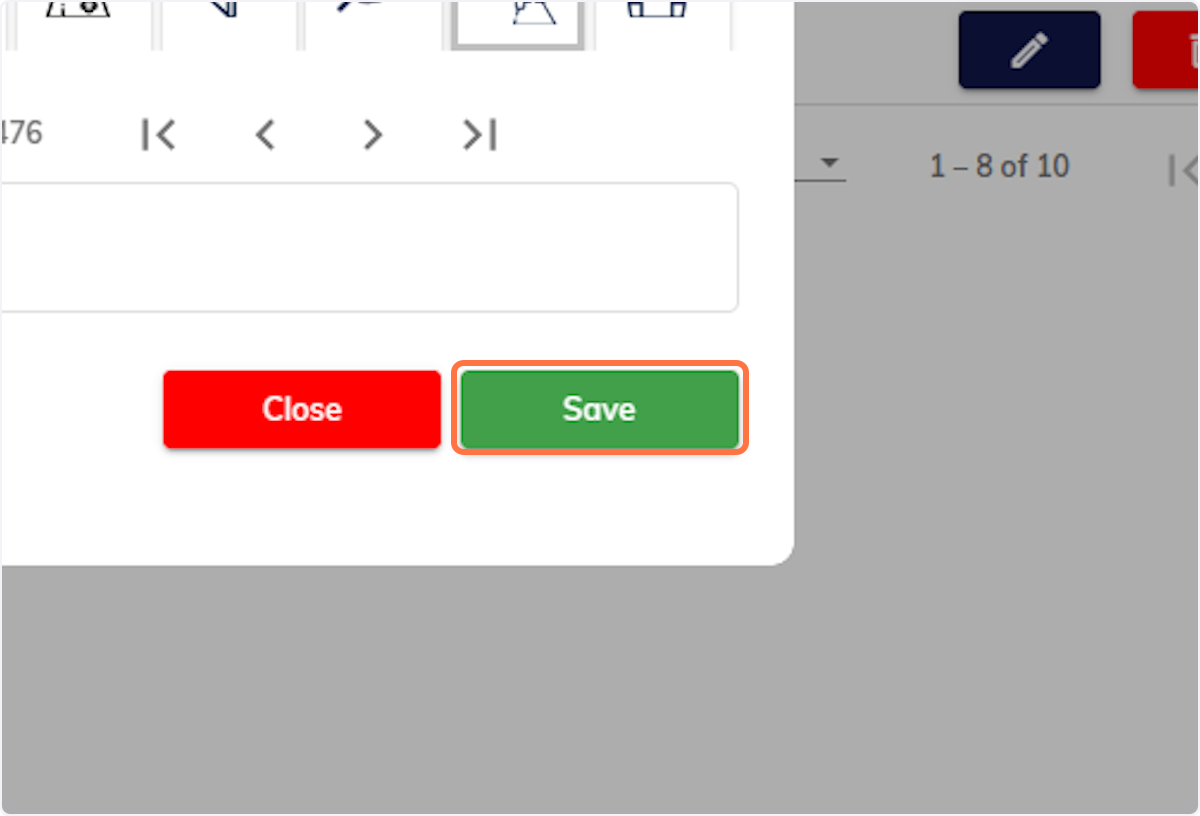
8. Click Save.
9. Click on OK
Assigning Tags to a Pet
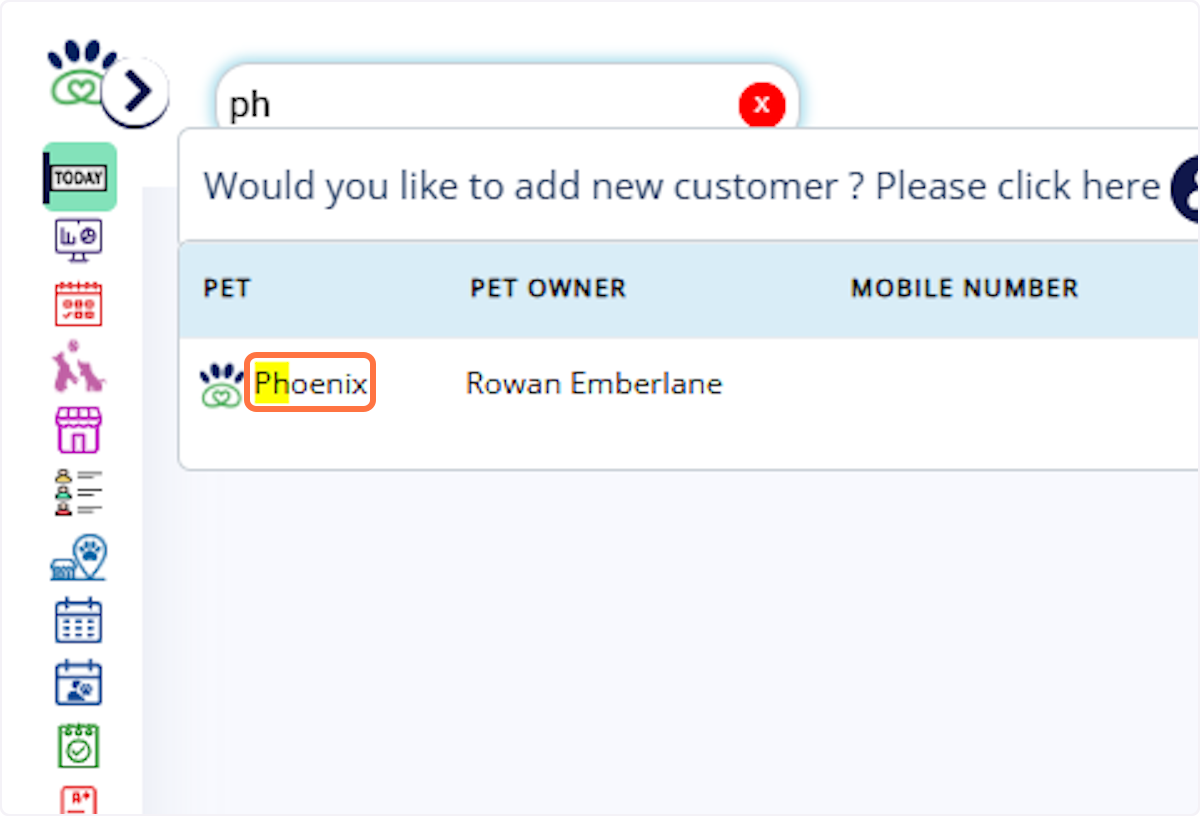
10. Search for the pet and navigate to the Pet Profile
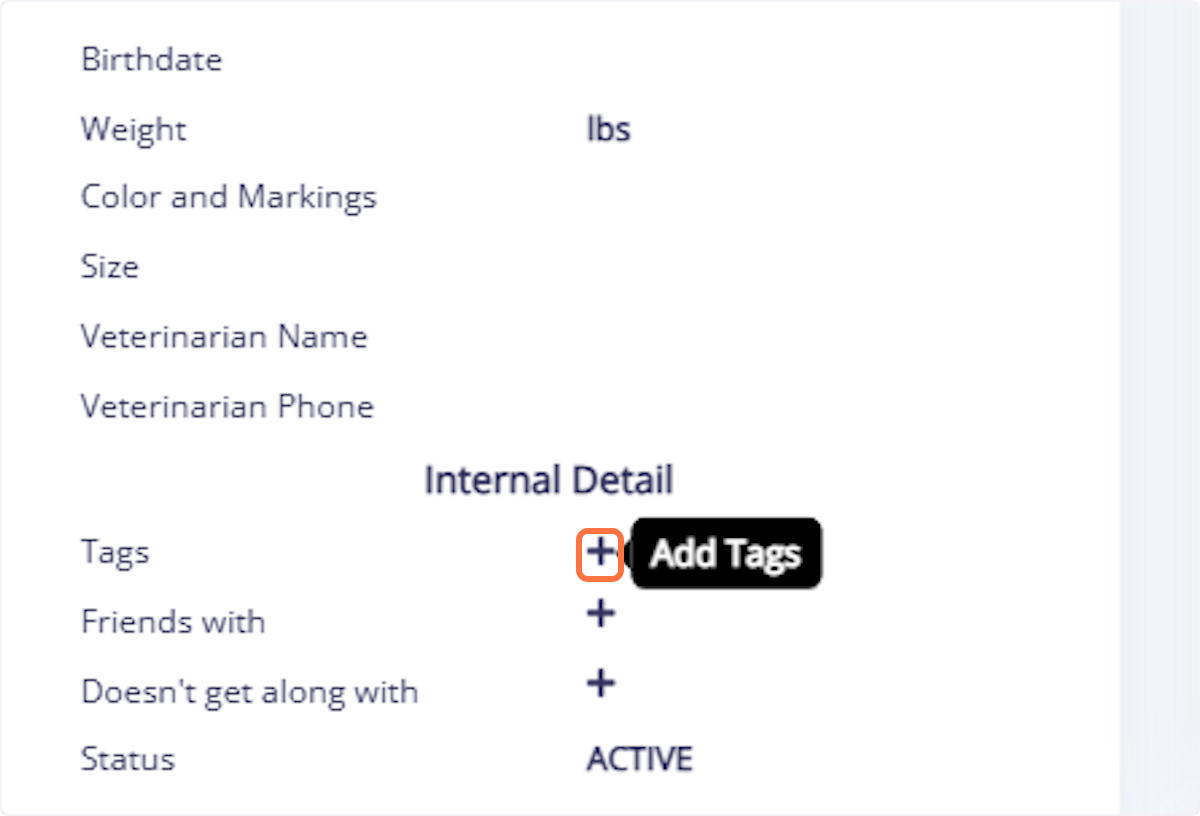
11. Click on Add Tags
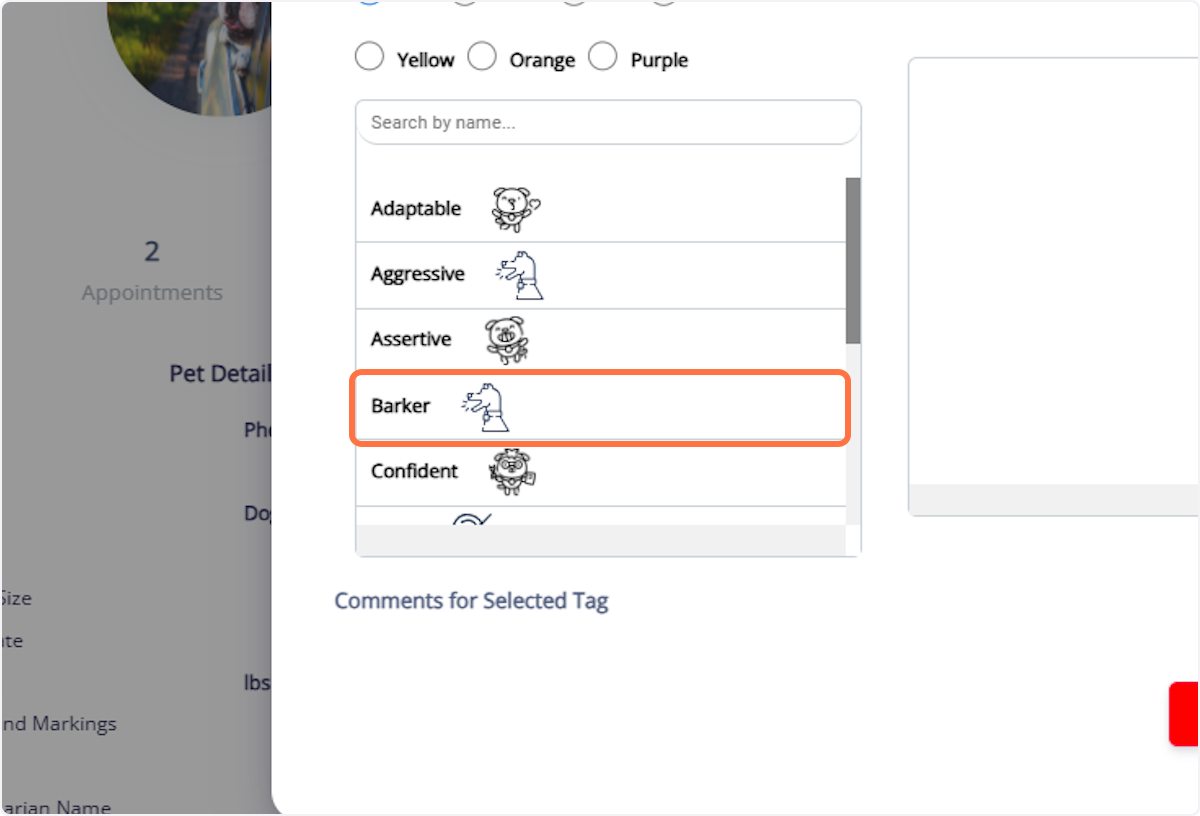
12. Select the tags you want to assign to the pet.
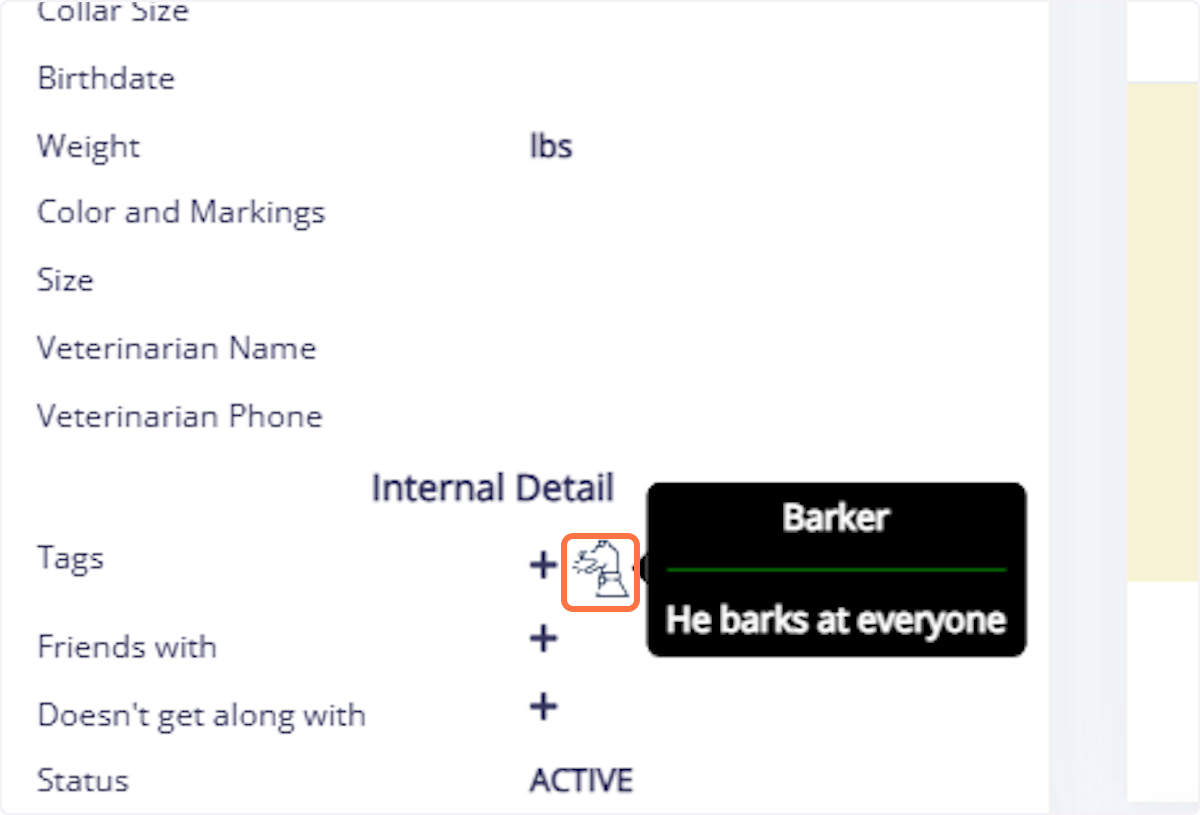
13. (Optional) Add comments, for example: “He barks at everyone.”
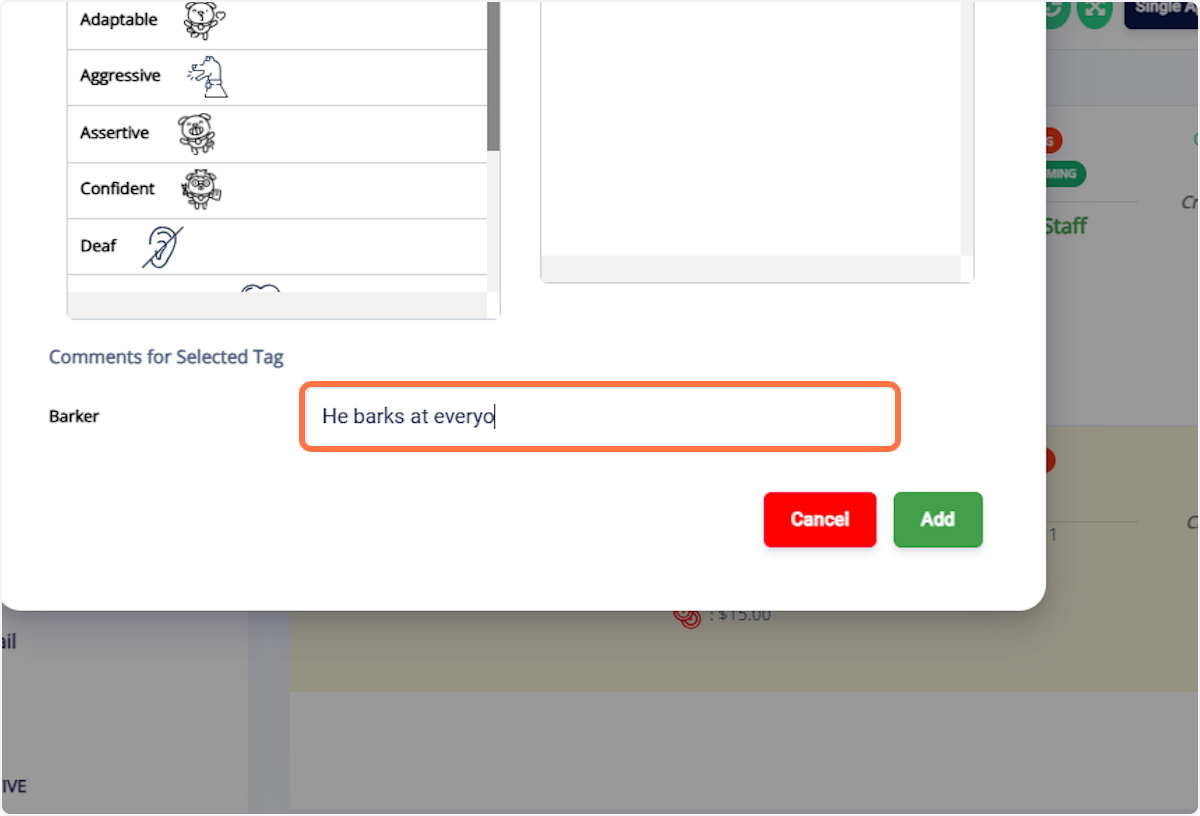
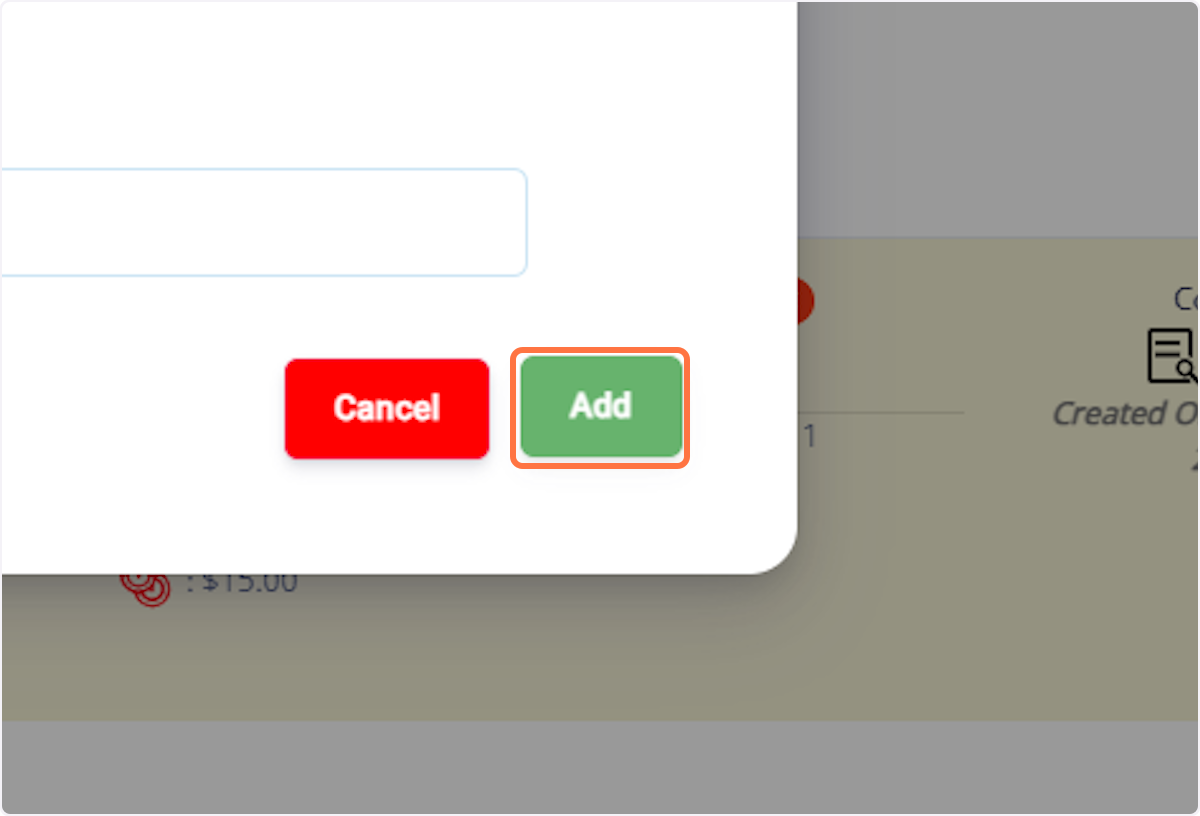
14. Click Add
15. The assigned tags will now appear in the Pet Profile.
Was this article helpful?
That’s Great!
Thank you for your feedback
Sorry! We couldn't be helpful
Thank you for your feedback
Feedback sent
We appreciate your effort and will try to fix the article