Overview
This article explains how to delete a membership from a pet’s profile. You’ll first open the membership record, disable auto-renewal (if applicable), and remove any associated appointments.
Steps to Delete a Membership
Open the Pet Profile
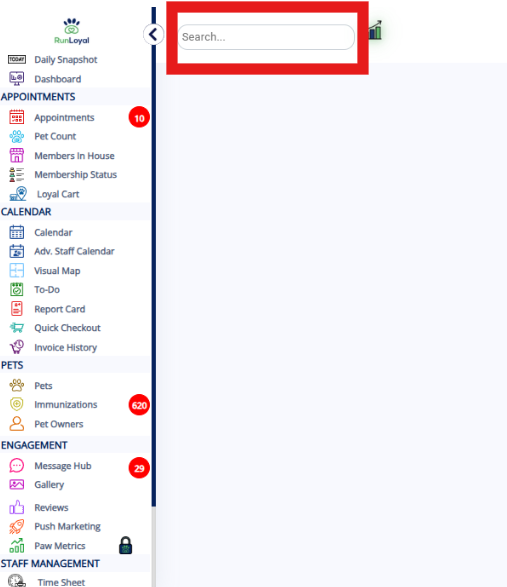
Navigate to the pet’s profile from your dashboard or search.
Go to Memberships
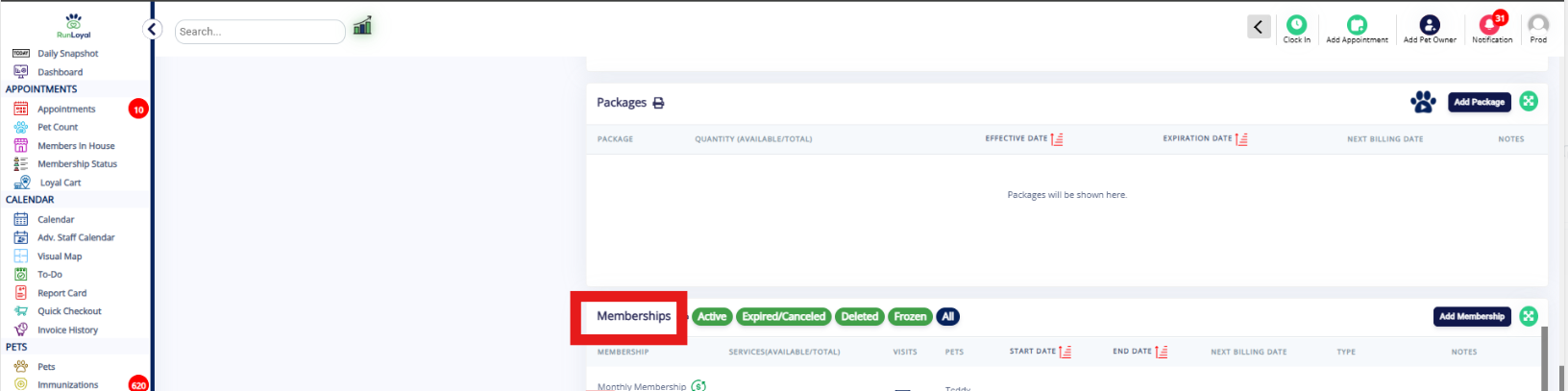
In the pet’s profile, click on the Memberships section/tab.
Edit the Membership
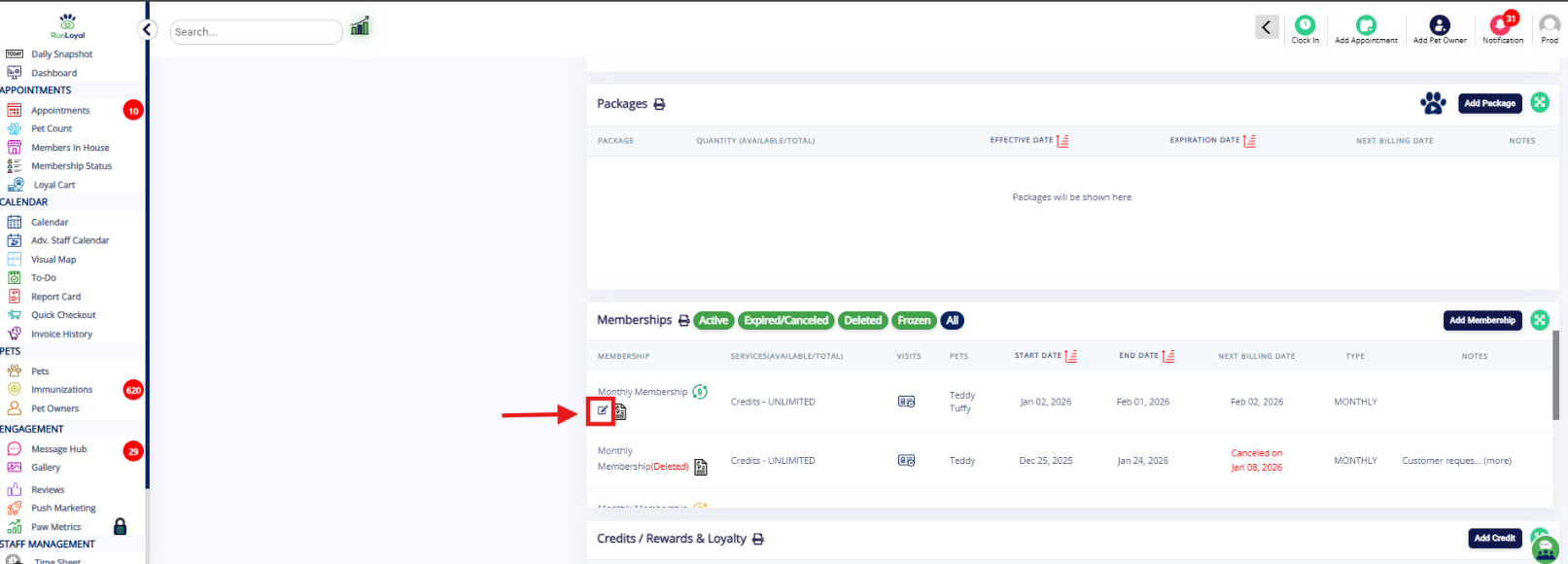
Locate the membership you want to delete.
Click the Edit (pencil) icon.
Disable Auto-Renewal (If Applicable)
If the membership is set to auto-renew, turn off/disable Auto-Renewal.
Remove Associated Appointments
Remove any appointments linked to the membership (if listed in the membership details).
Save/Confirm Changes
Save the changes and confirm any prompts to complete the deletion process.
Was this article helpful?
That’s Great!
Thank you for your feedback
Sorry! We couldn't be helpful
Thank you for your feedback
Feedback sent
We appreciate your effort and will try to fix the article